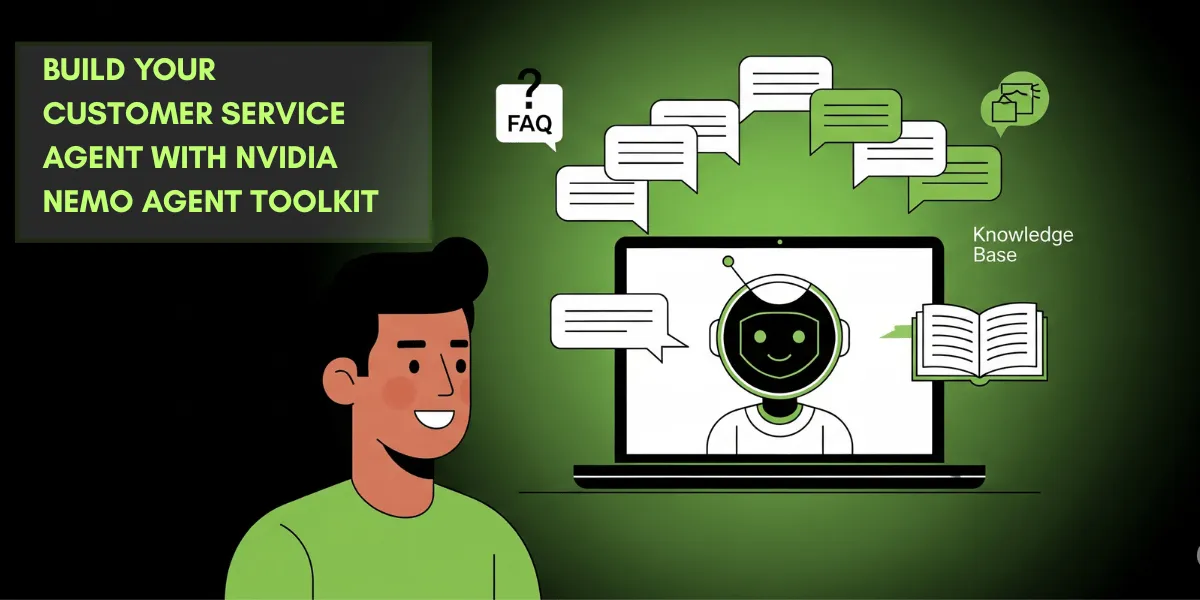
Imagine customer service where every question gets a fast and accurate answer. That’s what AI can do. The NVIDIA NeMo Agent Toolkit makes it happen. This free toolkit helps businesses build smart AI agents. These agents improve customer service with speed and precision.
In this post, we will cover what the toolkit does, how it helps customer service, and how to set it up. We will also list its benefits and answer common questions.
Table of Contents
What Is the NVIDIA NeMo Agent Toolkit?
The NeMo Agent Toolkit is a free open source tool. It lets you create AI agents for tasks like customer service. It is easy to use and works with many systems. You can customize it for your business needs. You could get more information here.
How It Helps Customer Service
Customer service can be busy and stressful. The NeMo Agent Toolkit makes it easier. Here’s how:
- It answers simple questions like “What’s my order status?”
- It understands special words for your industry, like “premium” in insurance.
- It uses your company’s data for accurate replies.
- And it works even with background noise or different accents.
It uses NVIDIA’s fast technology to keep responses quick and reliable.
How to Set Up Your Own Agent
Setting up an AI agent is simple. Follow these steps:
What You Need
- Python (version 3.11 or 3.12).
- Git to download the toolkit.
- Basic skills in Python and YAML files.
Steps
Install the Toolkit
Download it with Git:
git clone git@github.com:NVIDIA/NeMo-Agent-Toolkit.gitGo to the folder:
cd NeMo-Agent-ToolkitInstall what it needs:
pip install -r requirements.txtSet Up Your Space
Make a virtual environment (optional):
python -m venv venvTurn it on:
Linux/Mac: source venv/bin/activate
Windows: venv\Scripts\activate
Add any needed settings like API keys.
Build Your Agent
Make a YAML file (e.g., agent_config.yaml):
agent:
  name: "CustomerServiceAgent"
  description: "Answers customer questions"
  tools:
    - name: "FAQRetriever"
      type: "rag"
      data_source: "faq_database"
Change it to match your business.
Connect Your Data
Link your data, like an FAQ list.
Add the connection details:
data_source: "mysql://user:password@localhost/faq_db"Keep passwords safe with environment variables.
Test and Launch
Try it out:
python run_ui.pyAsk test questions in the chat window.
Launch it:
python run_server.pyYour agent is ready!
Why Use It?
The NeMo Agent Toolkit helps your business. Here’s how:
Handles Many Questions: Answers lots of people at once.
Gives Right Answers: Uses your data for accuracy.
Saves Time: Lets staff focus on hard problems.
Works Anywhere: Handles noise and accents well.
Fits Your Needs: You can tweak it easily.
It makes customers happy and saves money.
Final Thoughts
The NeMo Agent Toolkit changes customer service for the better. It is powerful yet simple to use. Any business can try it and see results. Set up your agent today and watch it work. This toolkit is a smart way to boost your customer service. Try it out.
FAQ
FAQ
What’s the NeMo Agent Toolkit?
A free tool to build AI agents for customer service.
Does it work with my system?
Yes, it connects to many platforms.
Can it use different languages?
Yes, it supports many languages and accents.
What do I need to know to use it?
Just some Python and YAML basics.
Is it really free?
Yes, the toolkit is free. Some extra NVIDIA tools might cost money.